Stop chasing receipts. Start controlling spend.

Automated expense management software with real-time expense visibility, AI-powered receipt capture, and automated approval flows
Thank you! Your submission has been received!
Oops! Something went wrong while submitting the form.
Thank you! Your submission has been received!
Oops! Something went wrong while submitting the form.
Hands holding a tablet displaying an expense management dashboard with financial data and charts on a dark background fading to purple at the bottom.

Save your team from manual work

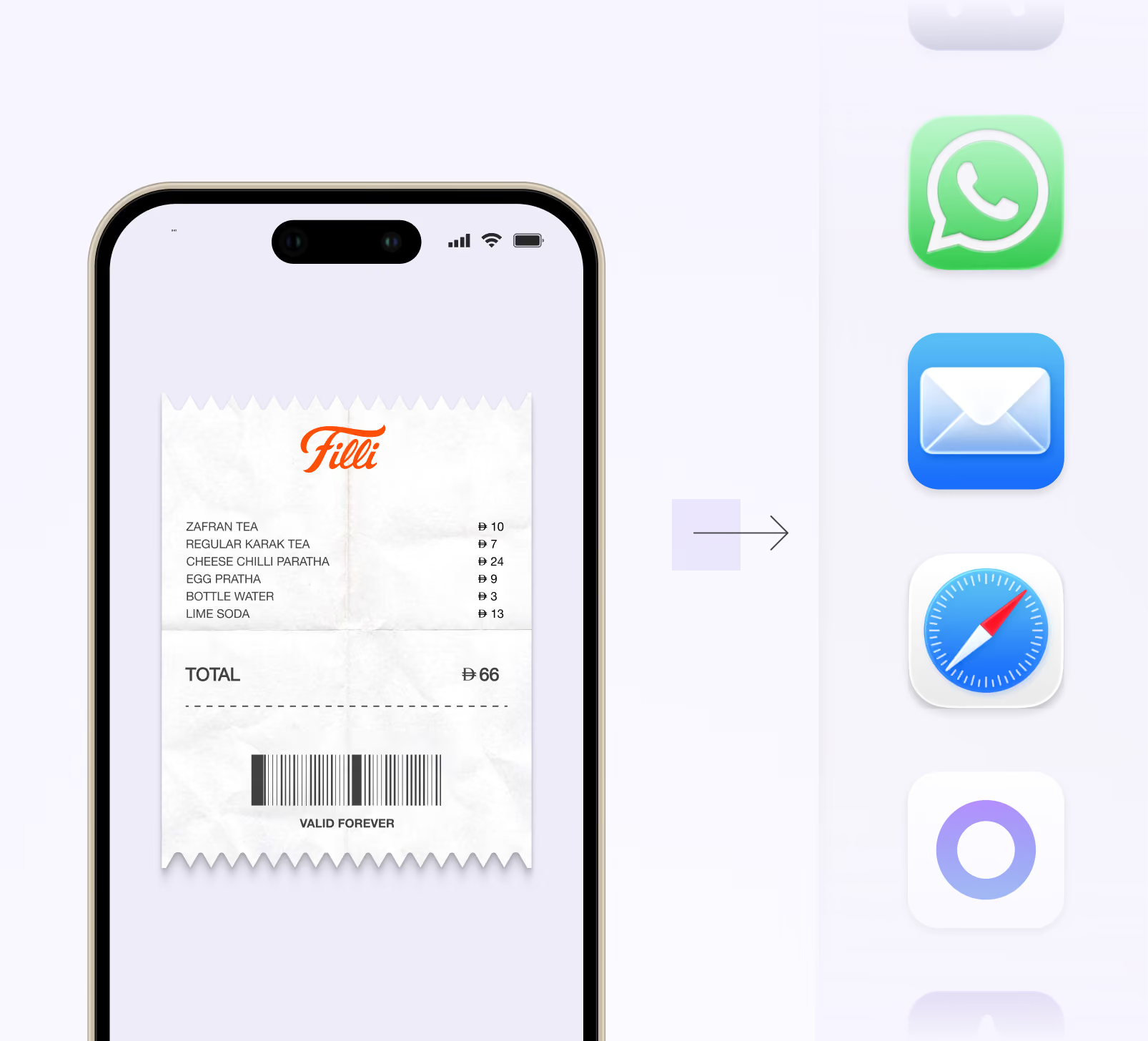
Smartphone screen showing a digital receipt from Filli with items and prices, a total of 66, and a barcode labeled 'VALID FOREVER'; an arrow points from the phone to icons for WhatsApp, Mail, Safari, and another app on the right.

Multi-Channel Receipt Capture

Employees can send receipts using the mobile app, a WhatsApp reply to a transaction alert, bulk drag-and-drop into Alaan Drop with AI matching, auto-forwarded Gmail receipts, a Chrome extension for web invoices, or the Receipt Collector Agent pulling them straight from vendor portals.
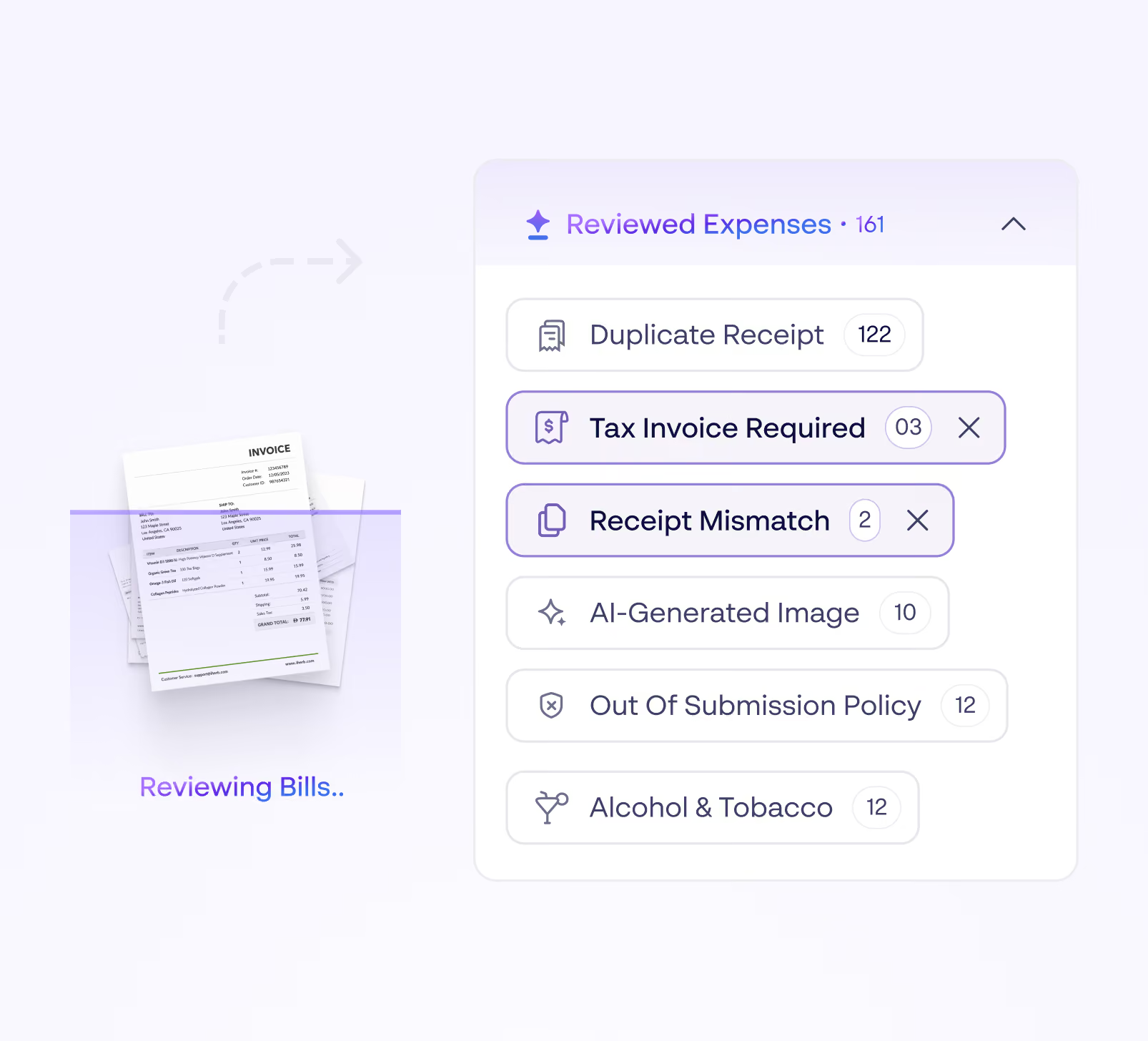
Interface showing an AI-powered expense review system with categories under Reviewed Expenses, including Duplicate Receipt, Tax Invoice Required, Receipt Mismatch, AI-Generated Image, Out Of Submission Policy, and Alcohol & Tobacco, along with corresponding counts; an image of stacked invoices labeled Reviewing Bills is on the left.

AI-Powered Expense Reviewer

Finance teams see flagged items in bulk; employees get actionable guidance to fix submissions. Covers forged receipts, policy violations, missing tax invoices, receipt mismatch,etc.
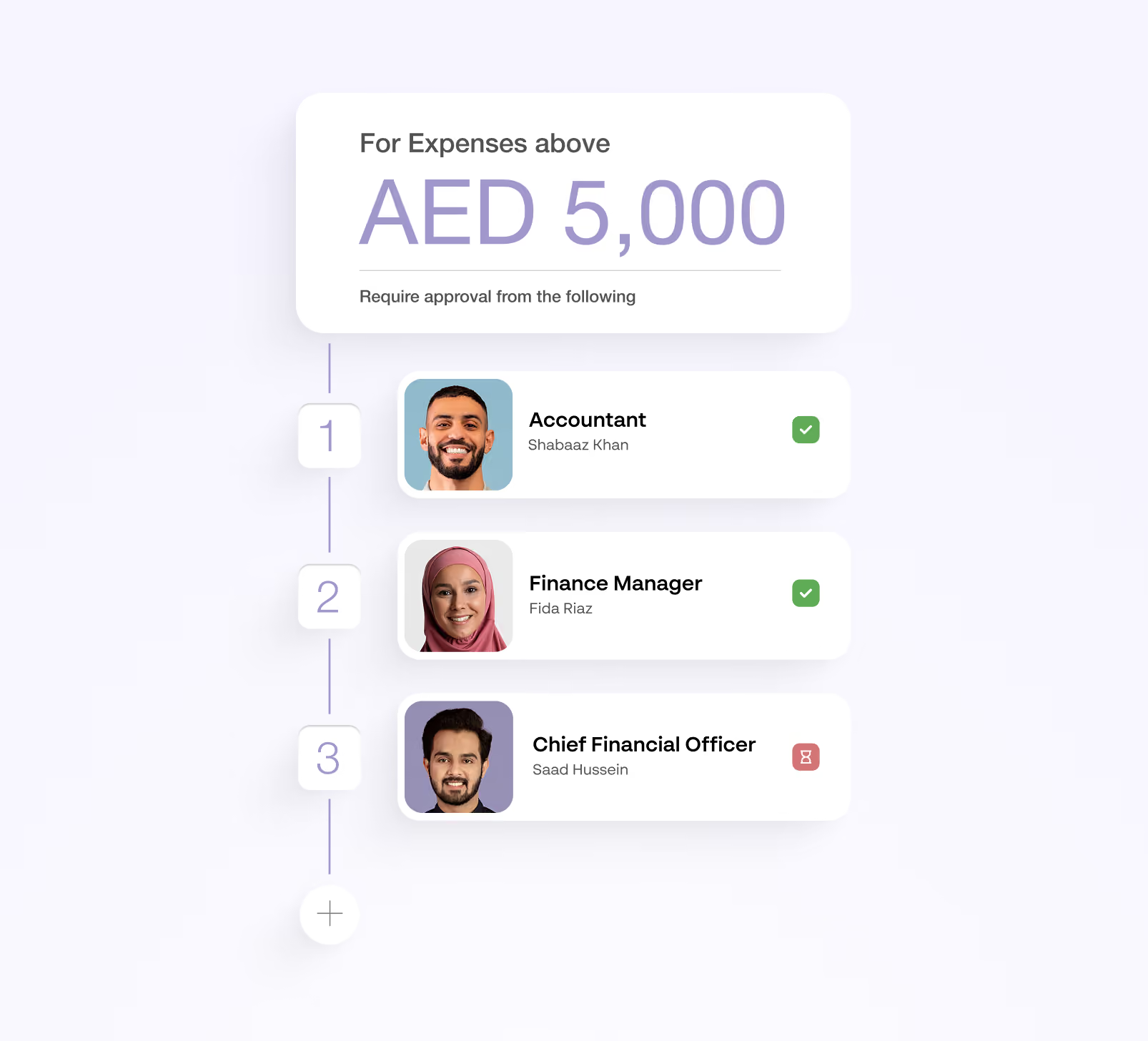
Approval workflow chart for expenses above AED 5,000 showing sequential approval required from three people: Accountant Shabaaz Khan (approved), Finance Manager Fida Riaz (approved), and Chief Financial Officer Saad Hussein (pending).

Flexible Approval Workflows

Set amount thresholds, add multiple approval levels, and enforce retroactively or from a specific date. Configure multi-level approvals by team, category and expense tag
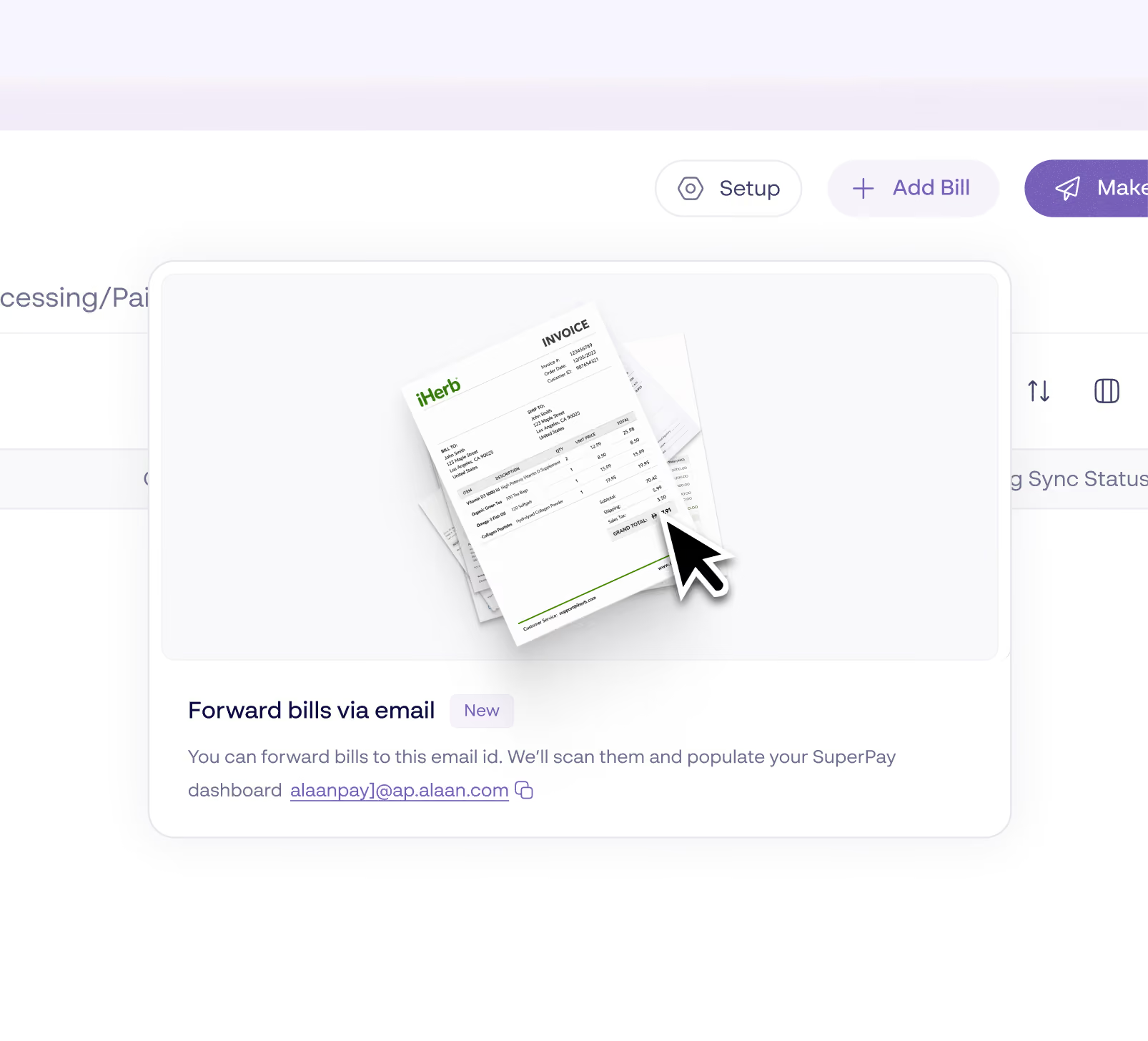
Email forwarding feature interface showing an invoice document and cursor icon, with text explaining forwarding bills via email to scan and populate the SuperPay dashboard, including a sample email address.

Complete Expense Lifecycle Management
Bulk edit up to 50 expenses at once with advanced filtering by employee, vendor, or category.
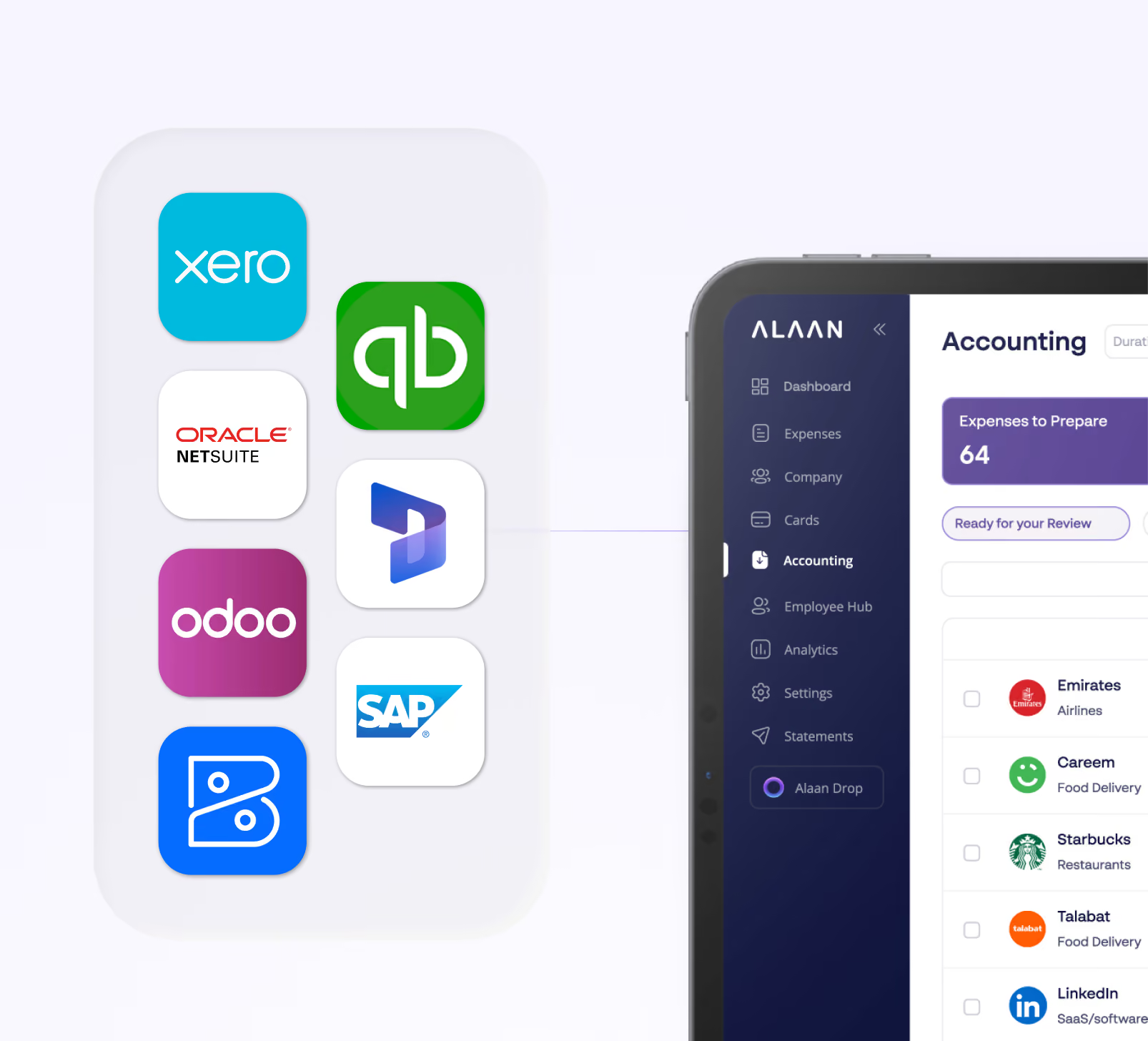
Tablet screen showing Alan accounting software interface with sidebar menu including Dashboard, Expenses, Company, Cards, Accounting, Employee Hub, Analytics, Settings, and Statements; main section shows 'Expenses to Prepare' with list of companies and their expense categories. To the left are logos of various accounting software integrations: Xero, QuickBooks, Oracle NetSuite, Microsoft Dynamics, Odoo, SAP, and two others, connected by a line to the tablet indicating integration capabilities.

Deep Accounting Integrations

Export-ready for your ERP with automatic sync for Xero, QuickBooks, Zoho Books, Oracle NetSuite and many more quickly.
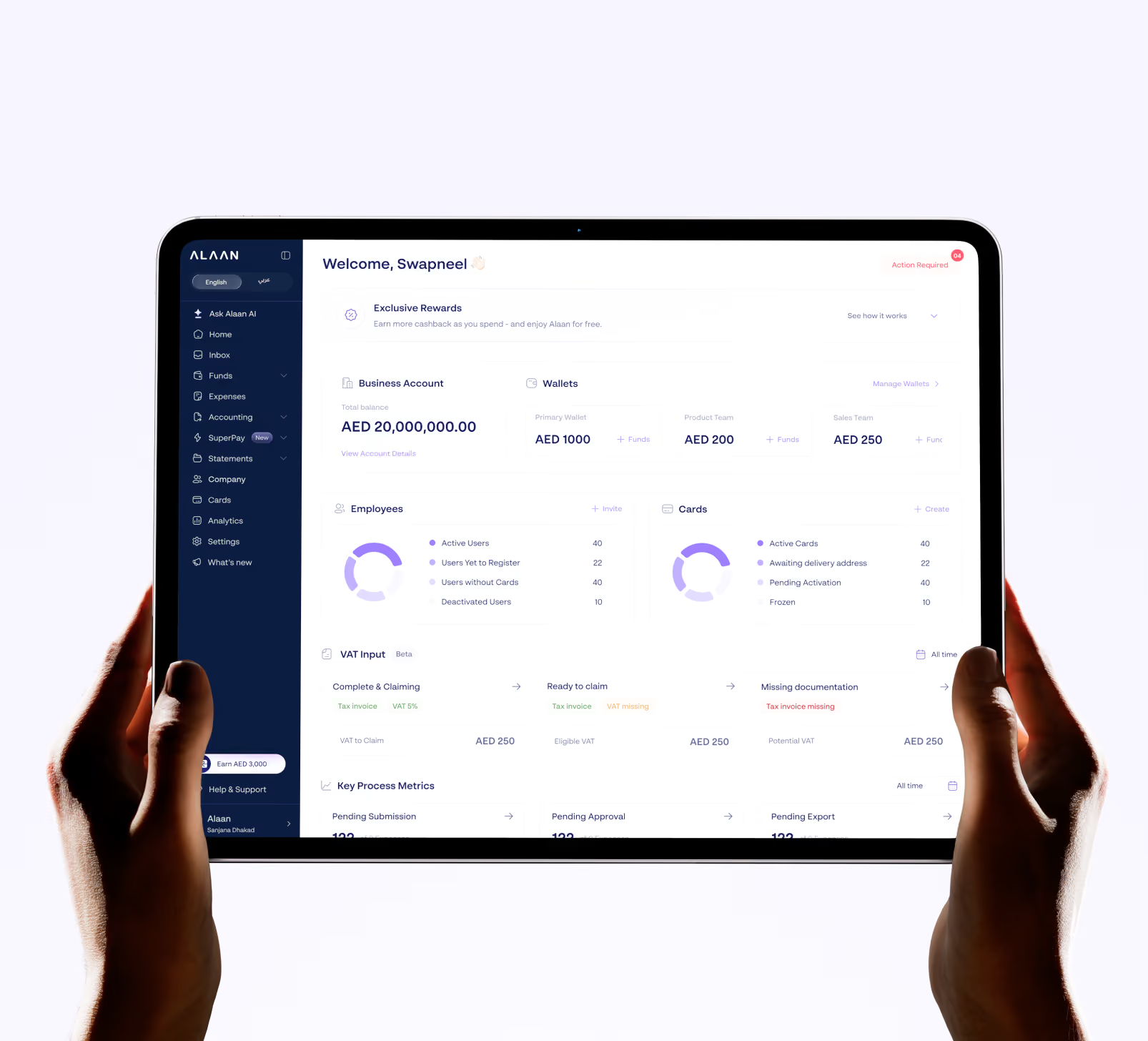
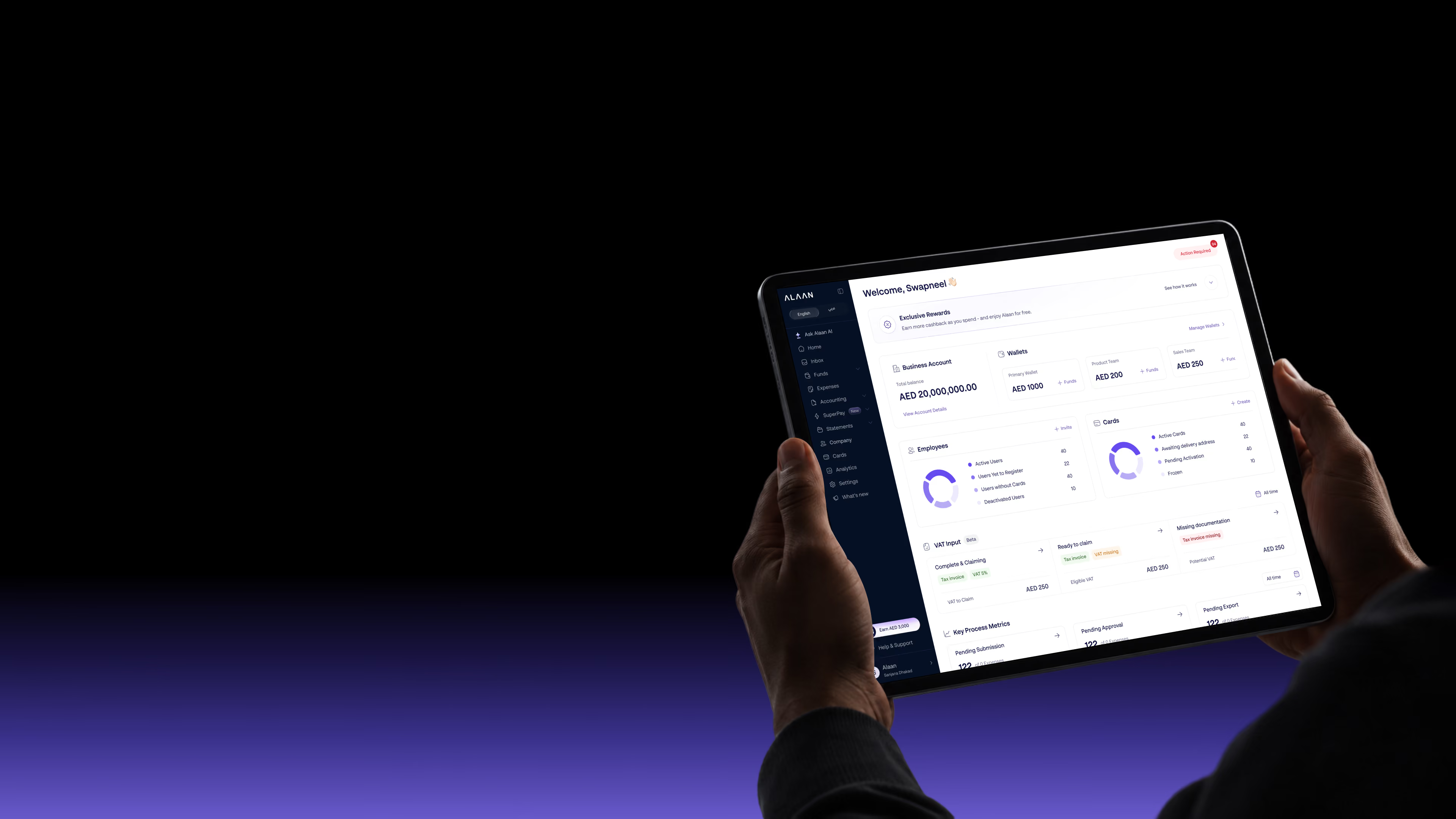
Hands holding a tablet displaying a financial dashboard with business account balance, wallets, employee metrics, cards status, VAT input, and key process metrics in a modern user interface.

Spend Analytics & Insights

One dashboard to analyse monthly spend trends, breakdown by category, merchant, team, or custom tags with one-click CSV export for deeper analysis

Rewards and benefits

Two stacks of shiny purple coins with a white currency symbol on top, one stack taller than the other, on a light surface.
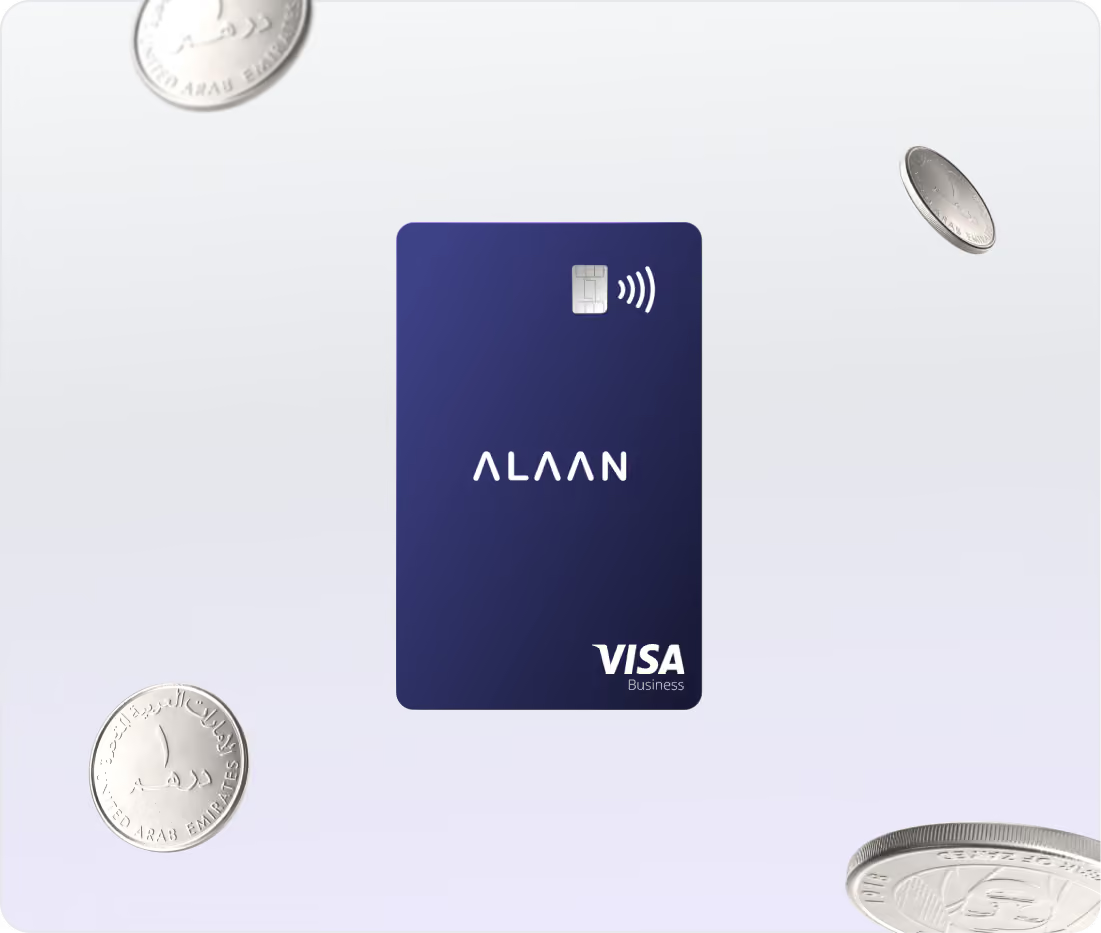
Cashback
Every eligible card transaction earns cashback based on your company's spend tier.
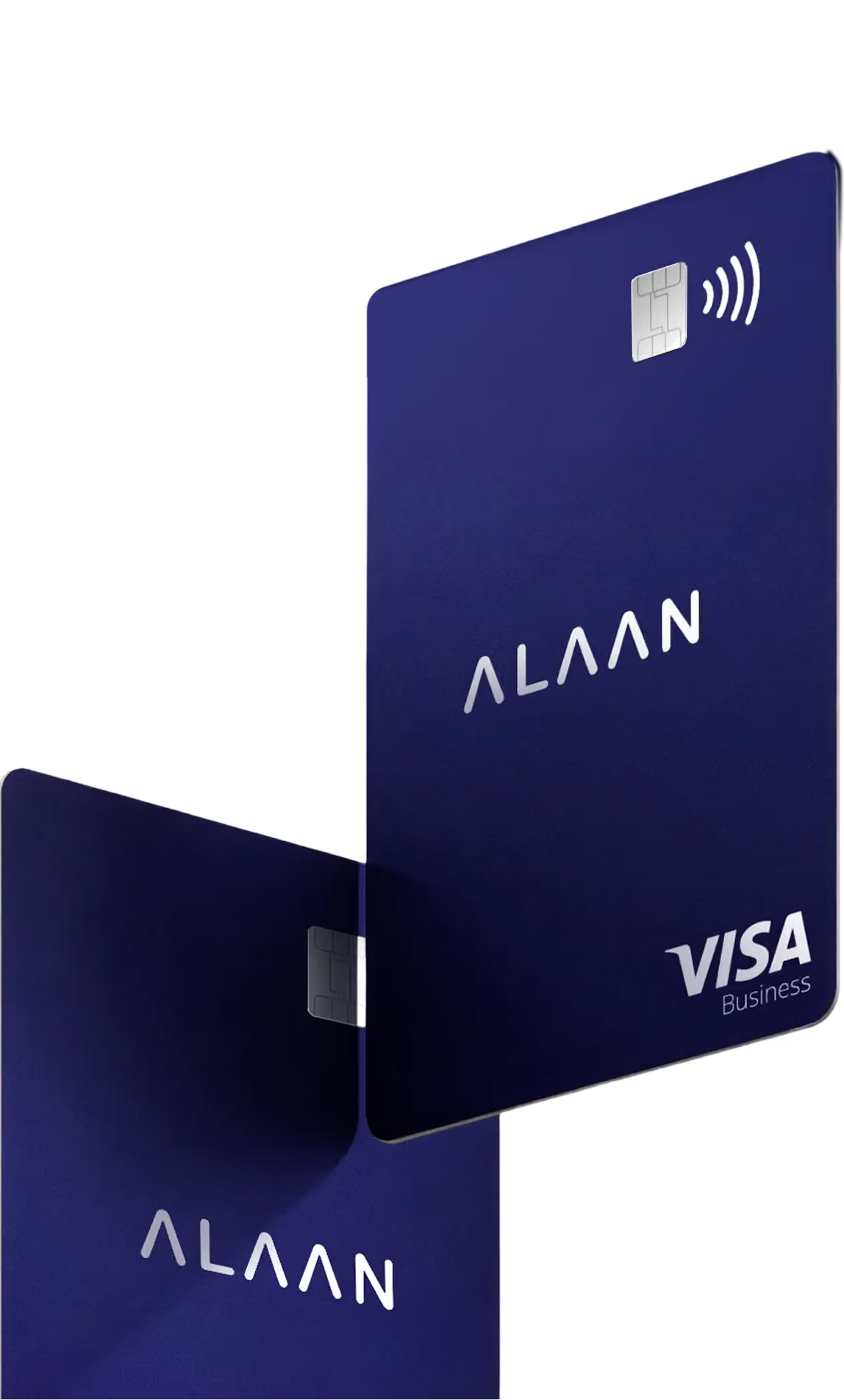
Blue ALAAN Visa Business credit card with contactless payment symbol in the center surrounded by floating coins.
Referral Bonus
Earn bonuses by referring other businesses

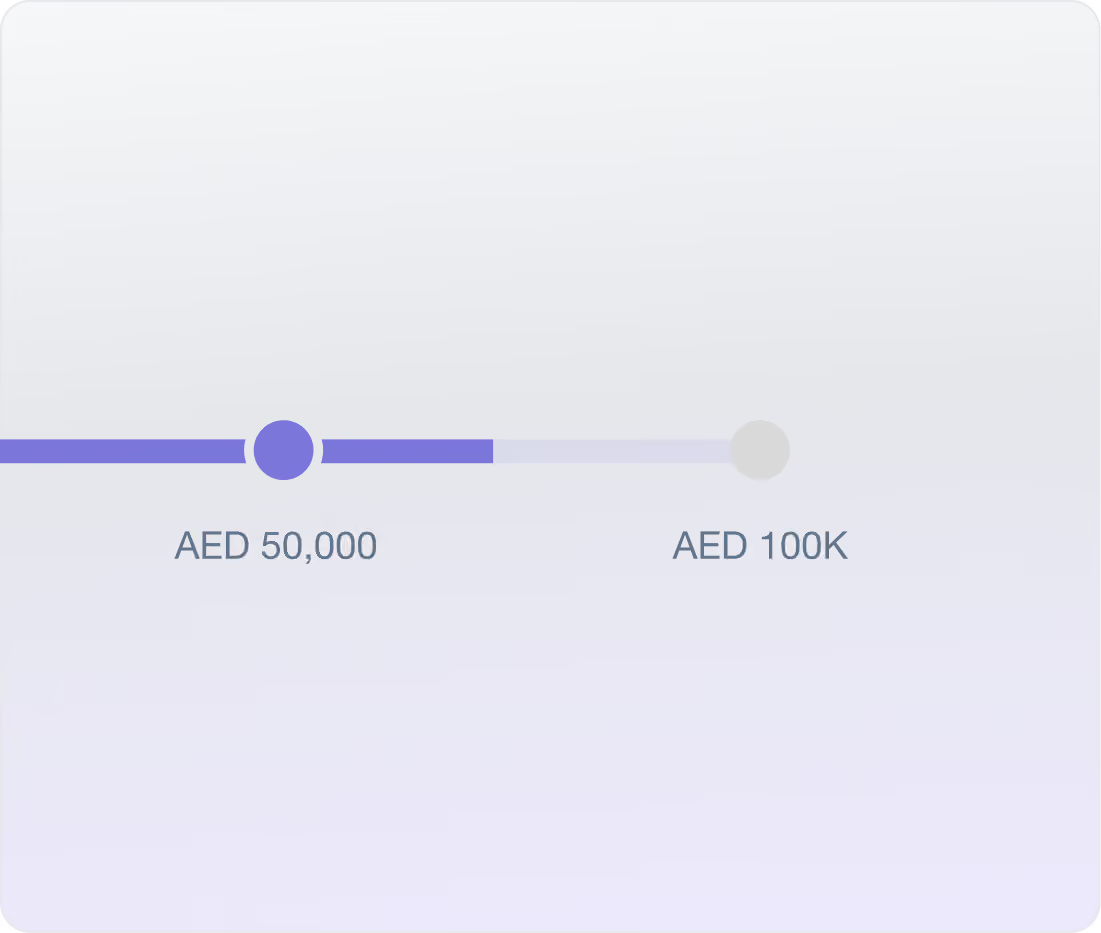
Progress bar showing spending milestone with a purple slider circle positioned slightly past AED 50,000 towards AED 100K.
Spend Milestone Rewards
Earn rewards when your company reaches specific spend thresholds.

Reviews from people who use it daily

The Alaan Card is an excellent choice for businesses seeking a seamless, user-friendly payment solution
Lavender star rating iconLavender star rating iconLavender star rating iconLavender star rating iconLavender star rating icon
5/5
Essam S, Public relations manager
Essam
I am also very satisfied with how specific we can be with the details we need for the company, and Alaan team listened to our requests and made it possible
Lavender star rating iconLavender star rating iconLavender star rating iconLavender star rating iconLavender star rating icon
5/5
Angelika Q, Senior Onboarding Specialist
Angelika
Real-Time Tracking Eliminates Expense Surprises
Lavender star rating iconLavender star rating iconLavender star rating iconLavender star rating iconLavender star rating icon
5/5
Nikita K, Assistant Manager
Nikita
Fast, safe and easy to use it's amazing!
Lavender star rating iconLavender star rating iconLavender star rating iconLavender star rating iconLavender star rating icon
5/5
Mohammed S, Sr.Accountant
Mohammed

Streamline your spends in one platform

Everything your finance team needs after the spend happens

What changes when you switch

The differences that show up in month-end, not in the sales deck.

Features
Alaan
Other Fintech/ Banks
Receipt submission channels
6 (WhatsApp, email, web, mobile, Chrome, AI agent)
Usually 2-3
AI expense flagging
Yes, 6 automated check types
Limited or none
Multi-level approval workflows
Configurable by team, category, tag
Basic single-level
Export as Bills (AP workflow)
Configurable by team, category, tag
Primarily expense export
Cash expense tracking
Native in-app
Rarely supported
Real-time spend visibility
Instant transaction alerts + dashboard
Delayed or batch
UAE market focus
Built for UAE VAT, local banks, AED
Regional coverage varies

FAQs

You can submit receipts via the Alaan mobile app, WhatsApp (reply to your transaction alert), web bulk upload (Alaan Drop), email auto-forwarding, Chrome Extension, or the Receipt Collector Agent for supported vendors.

Yes. You can scope approval policies by Team, Expense Category, or Expense Tag. Each policy supports multiple approval levels with custom amount thresholds.

Xero, QuickBooks Online, Zoho Books, Oracle NetSuite, Odoo, and ERPNext (Frappe). All integrations support chart of accounts sync, tax code mapping, vendor mapping, and automatic receipt attachment.

An AI-powered system that scans every submitted expense for six risk types: AI-generated receipts, out-of-policy spending, missing tax invoices, receipt mismatches, restricted categories (alcohol/tobacco), and policy violations.

Yes. For Xero, QuickBooks Online, Zoho Books, Oracle NetSuite, and Odoo, you can enable "Export as Bills" to create Bills and Bill Payments automatically, marking them as paid with the correct vendor mapping.

Employees add cash expenses directly in the app, attach receipts, and submit them for approval. Once approved, the amount is deducted from their employee dues balance.

Yes. The Alaan mobile app supports receipt capture, expense submission, card management, and transaction tracking.

Yes. You can select up to 50 expenses at once and apply bulk actions like marking ready, approving, or rejecting across the batch.

Start with one team

You don't have to move the whole company at once. Pick one team, load a sub-wallet, issue a few cards, and see what a month of spend looks like when every transaction arrives already coded.
Thank you! Your submission has been received!
Oops! Something went wrong while submitting the form.