.avif)

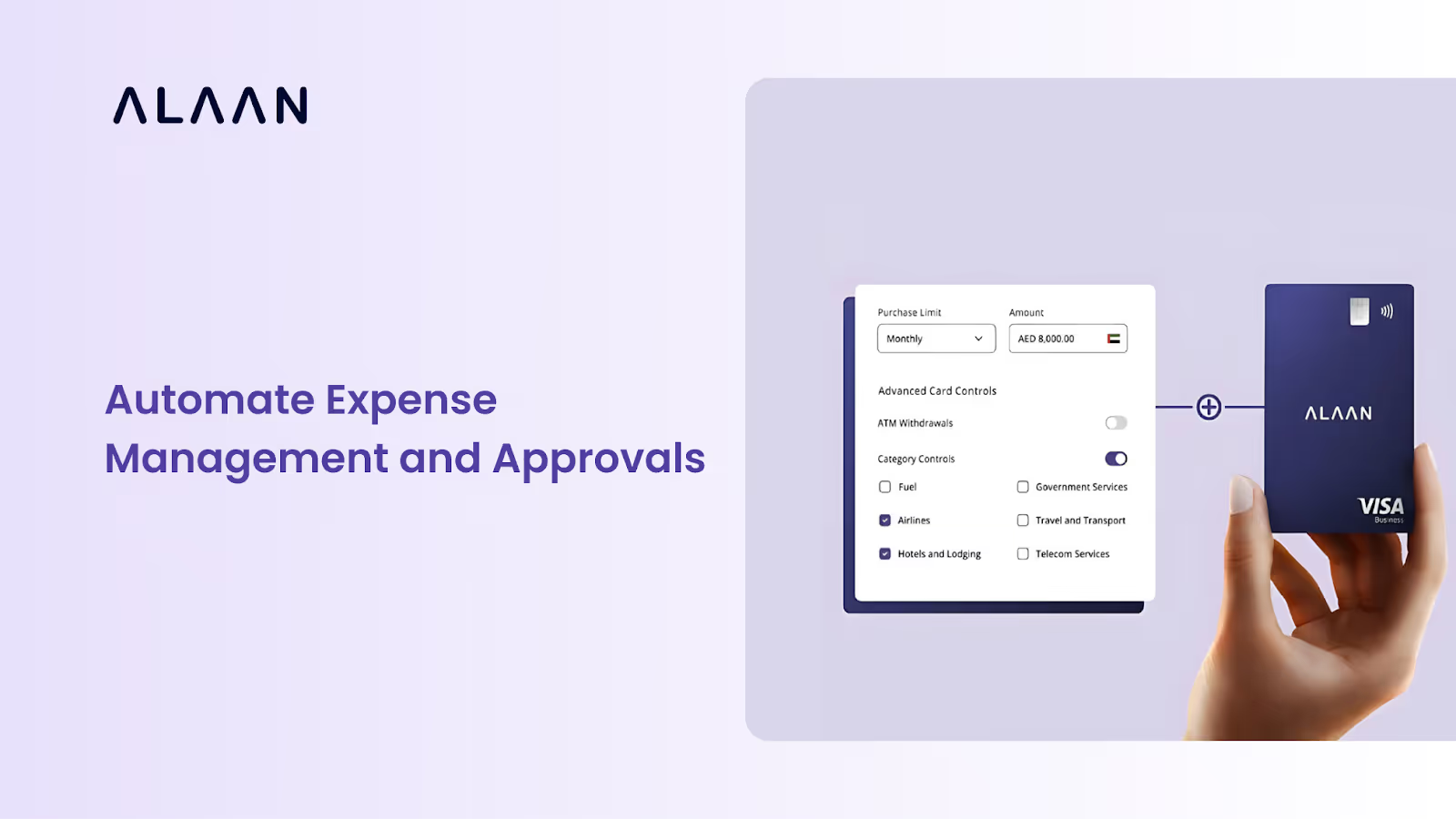

A step-by-step look at automating expense management and approvals to cut errors, speed up reimbursements, and tighten spend control.
- Manual expense management relies on spreadsheets, emails, and repetitive tasks that become difficult to manage as businesses grow.
- Expense management automation streamlines expense capture and approvals to reimbursement, accounting, and reporting.
- Automating expense approvals requires clear expense policies, approval workflows, and accounting integrations.
- Automated workflows help finance teams reduce manual work, improve spending visibility, and speed up month-end reconciliation.
- For UAE businesses, expense management automation also supports VAT compliance, FTA-ready documentation, and stronger financial controls.
- Automation platforms, such as Alaan, combine capabilities into a single platform to help businesses gain better visibility into company spending.
Expenses have a habit of multiplying. What starts as a few receipts can quickly turn into approval emails, reimbursement requests, spreadsheets, and a month-end close nobody looks forward to.
That's where expense management automation comes in.
The UAE Ministry of Finance notes that digital invoicing can reduce invoice processing costs by around 66% while reducing manual intervention across finance processes. It's a reminder that automating repetitive finance tasks goes beyond saving time. In fact, it also helps businesses run more efficiently as they grow.
In this guide, we'll explore how the traditional expense and invoice management process works, where manual accounts payable creates bottlenecks, how automation changes the workflow, and what it takes to make the switch.
What is an expense management automation?
Expense management automation uses digital tools and artificial intelligence to track, process, and reconcile business spending without manual paperwork. Expense management platforms automate receipt scanning, policy checks, multi-level approvals, and sync data directly into accounting software.
An AI-powered expense management system can extract details such as the vendor, invoice number, VAT amount, due date, and line items. It can then route the expense for approval, flag potential duplicates or mismatches, and keep the payment and accounting records connected.
Platforms such as Alaan are designed around this connected workflow, bringing expense management, approvals, payments, and accounting together.
How expense management works before automation
Before automation, managing a single business expense involved far more than just making a payment.
Every expense passes through multiple steps before it reaches the finance team's books. None of these steps is difficult on its own. The challenge is repeating them hundreds of times every month, especially when the team should be focused on VAT reporting or an audit.
Manual vs. automated expense management: What changes when you automate?
Automation doesn't change your expense process. It simply removes the manual work around it.
This shift is particularly important in the UAE, where the Ministry of Finance notes that 82% of businesses are micro businesses. As these businesses grow, automation can help them scale finance operations without proportionally increasing manual work.
Here's what changes when you automate:
Ready to automate? Steps for expense management
Automation doesn't have to start after the expense. For finance teams, it can begin the moment an invoice or payment request enters the workflow.
The goal isn't simply to process transactions faster. It's to capture the right information, apply the right controls, get the right approval, make the payment, and keep the accounting records up to date without finance having to chase every step.
Here's how to get started.
Step 1. Choose the right expense management software
Start with a solution that unifies accounting integrations, corporate cards, approval processes, and expense tracking onto a single platform. The process runs more smoothly the fewer systems your finance team must manage.
Step 2. Connect your finance tools
Connect your corporate cards and accounting system to your expense management software. This expedites month-end reconciliation, removes redundant data entry, and maintains current financial records.
Step 3. Upload your expense policy
Automation is only effective when your rules are well-defined. To ensure that every expense follows
- The same procedure
- Establish spending caps
- Reimbursement policies
- Necessary paperwork, and
- Approval hierarchies
Step 4. Build approval workflows
Replace approval emails with predefined workflows that automatically route expenses to the right approver based on spending limits, departments, or expense categories.
Step 5. Prepare your team
Show employees how to submit expenses, upload receipts, and follow company policies. A short onboarding session can improve adoption and reduce errors from day one.
Troubleshoot common implementation challenges
Even the best software needs the right setup. Here are a few common challenges businesses face and how to solve them.
Beyond finance teams: Who benefits from automation
Expense management automation doesn't just make life easier for finance teams. It can improve how finance, procurement, department heads, employees, and business leaders manage spending and supplier payments.
The biggest advantage that comes with automation is giving every team access to the information they need without creating more work for anyone else.
Why Automation Matters Even More in the UAE
For businesses in the UAE, automating expense management is also about maintaining accurate financial records and staying compliant.
Staying compliant is much easier when your records are already organized. Since the UAE Federal Tax Authority (FTA) requires businesses to retain tax invoices and supporting documents for VAT claims and audits, automated expense and invoice management can help keep these records together while supporting VAT reporting.
For supplier invoices, automation can also reduce the manual work involved in checking VAT amounts, TRNs, invoice details, and missing tax information before the transaction reaches the books.
How can UAE finance teams make VAT and Audit Prep less stressful?
The real benefit is having the transaction and its supporting information in one place.
What should you look for in an expense management platform?
Not every expense tool actually works the same way in real life.
As your business grows, look for a platform that can manage the full workflow, from spending and invoice capture through approval, payment, reconciliation, and accounting.
The best-fit platform should reduce the number of handoffs finance has to manage, not simply give the team another dashboard to check.
Automation solutions such as Alaan bring all of these capabilities together through a broader business finance platform, connecting invoices, cards, expense management, approvals, reconciliation, and accounting workflows in one place.
And that's not it: there's a financial upside, too. Eligible business spending can also earn up to 2% cashback, adding a little more value to everyday company spend.
Frequently Asked Questions
1. What is expense management automation?
Expense management automation uses software to automate expense tracking, approvals, reimbursements, accounting, and reporting, reducing manual work and improving accuracy.
2. What's the difference between manual and automated expense management?
Manual expense management relies on spreadsheets, emails, and manual data entry, while automated expense management uses connected workflows to streamline approvals, reporting, and reconciliation.
3. What's the difference between spend management and expense management?
Spend management covers the entire spending lifecycle. On the other hand, expense management focuses specifically on tracking, approving, reimbursing, and reporting business expenses after they're incurred.
4. What are the disadvantages of manual expense management?
Manual processes are time-consuming, prone to errors, and often lead to delayed approvals, reimbursement bottlenecks, and limited visibility into company spending.
5. Is expense management automation secure?
Yes. Most modern expense management platforms use secure authentication, user permissions, and audit trails to help protect financial data and reduce the risk of fraud.
6. Can employees submit expenses from their mobile phones?
Yes. Most expense management platforms allow employees to capture receipts, submit expenses, and track approval status directly from a mobile app.
7. Can expense management software integrate with accounting systems?
Yes. Most solutions integrate with accounting software, corporate cards, and ERP systems to reduce manual data entry and keep financial records up to date.
8. How does Alaan simplify expense management?
Alaan combines capabilities such as corporate cards, automated expense management, approval workflows, receipt capture, and accounting integrations into a single platform. This helps businesses reduce manual work while gaining real-time visibility into company spending